



PrepAI is the smartest AI-Powered question generator and a solution to create question-answer pairs for exams and online test papers.
It can generate questions from text in minutes. It turns up as a solution in the form of a question answer generator that helps teachers, exam administrators and content leaders save time and reduce human errors.
PrepAI is the world’s most powerful solution for question generation using NLP. Watch the video to learn how to generate questions from text online using PrepAI –
PrepAI Question Generator Demo
PrepAI leverages the power of Artificial Intelligence and Machine Learning algorithms to create questions from text of varying difficulty. Besides being a smart and random question generator for test authors, it also serves as a one-stop solution for all content needs of an organization.
Developed by EdTech professionals and innovative engineers, it uses Natural Language Processing technique for text analysis so that you can generate questions out of any text you feed, PDF/Docx file, Video and Wiki search.
A Quick Walkthrough to Get You Started
1. First, add your content…
Login and enter the title of the question paper.
Select ‘Type or Paste Text’ as Content Source for now.
Copy and paste the content for which you want to generate questions.
When you are done, click on the ‘Generate Questions’ button.
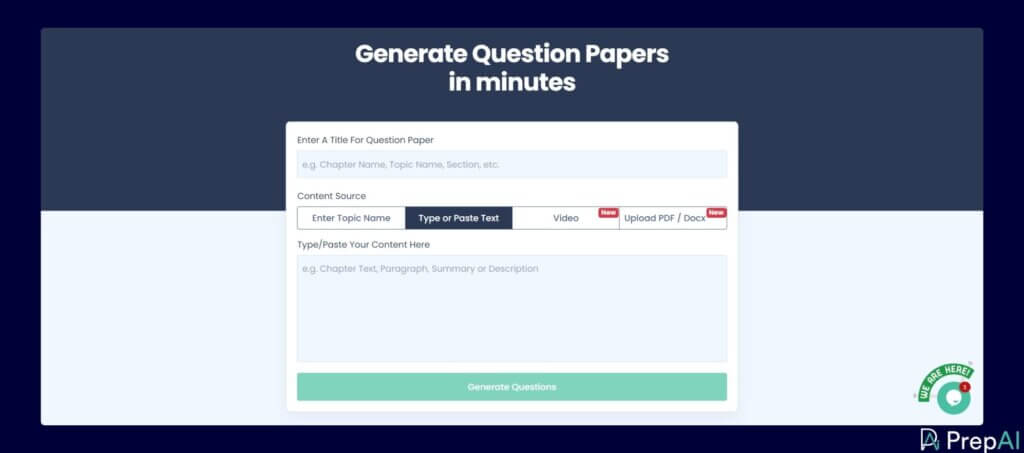
💡 There are other Content Source options available, such as: Enter Topic Name, Video and Upload PDF/Docx.
2. Check the generated questions and options
PrepAI takes a few moments to process and generate questions and answers.
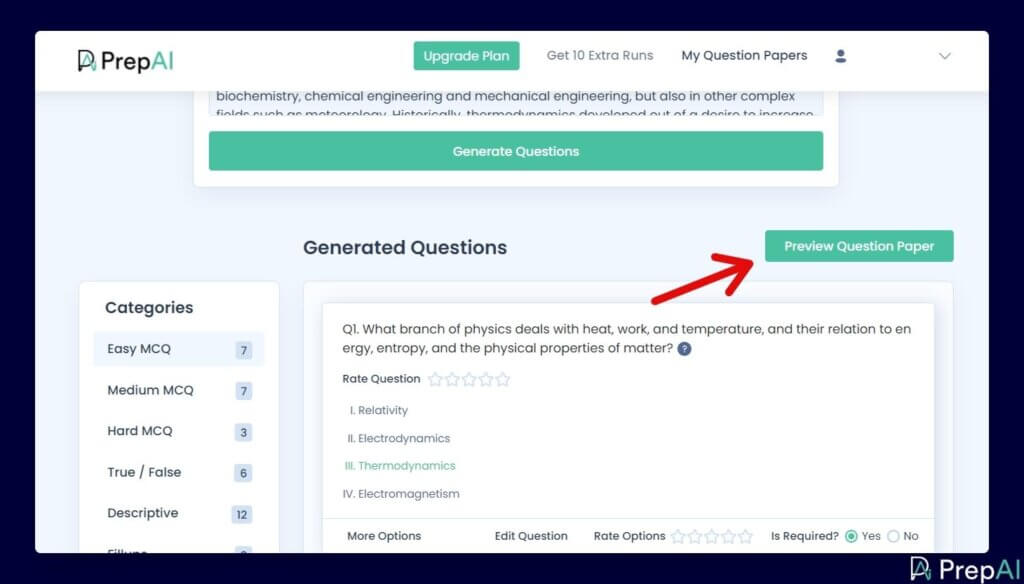
Go through the results. If needed, you can edit the questions or options too.
Select the questions you want to include in the question paper.
Click on ‘Preview Question Paper’.
3. Review the question paper and download
Check the question paper review.
If you are satisfied with it, then click on ‘Finalize Questions’.
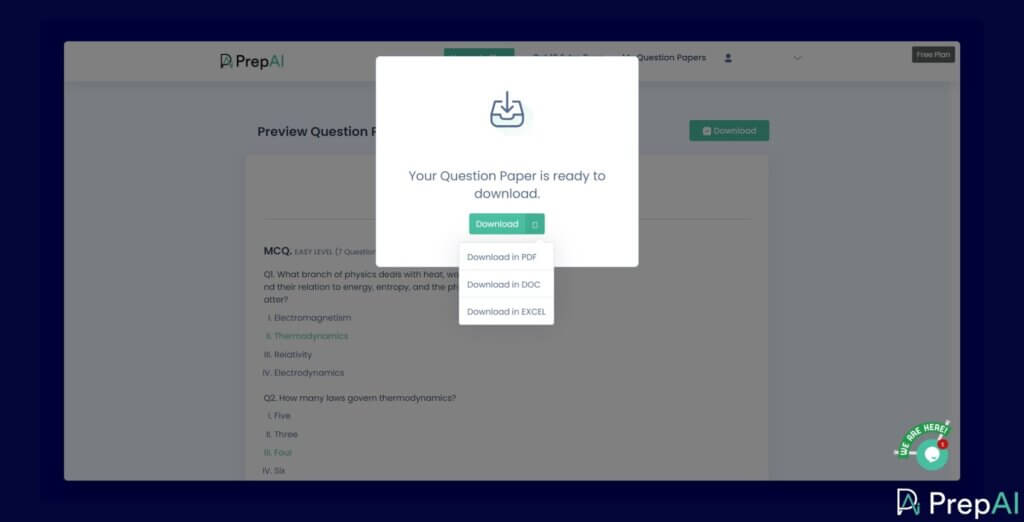
You have an option to download the question paper in PDF, DOC or EXCEL.
Hope that helps!